
12 Best Free PR Plan Templates to Streamline Your Outreach in 2026
January 20, 2026
Executing a successful public relations campaign without a clear strategy is like navigating a new city without a map. You might eventually reach your destination, but the process will likely be inefficient, costly, and fraught with missteps. A well-structured PR plan provides the necessary blueprint, transforming ambitious goals into actionable steps and ensuring every press release, media pitch, and social media post serves a strategic purpose. This is where high-quality pr plan templates become indispensable, offering a framework to build upon for any major announcement.
This guide eliminates the guesswork by curating the best PR plan templates available online, sourced from reputable platforms like HubSpot, Asana, and ClickUp. We have organized them by specific use cases, from product launches and funding announcements to crisis communications and thought leadership campaigns. For each template, you'll find a direct download link, a brief analysis of what’s included, and practical tips for customization. Creating a cohesive communications strategy often involves integrating various channels; for a solid framework, consult an essential LinkedIn marketing strategy template as part of your PR blueprint. Our goal is to help you find the right tool to streamline your planning, align your team, and measure your impact effectively.
1. HubSpot
HubSpot offers a free, downloadable public relations plan template that serves as an excellent starting point for teams formalizing their PR strategy. It’s particularly useful for early-stage startups or marketing departments that prefer working within familiar document editors like Google Docs or Microsoft Word rather than adopting new project management software. The template provides a solid, traditional framework, guiding users from high-level summary to granular tactical planning.
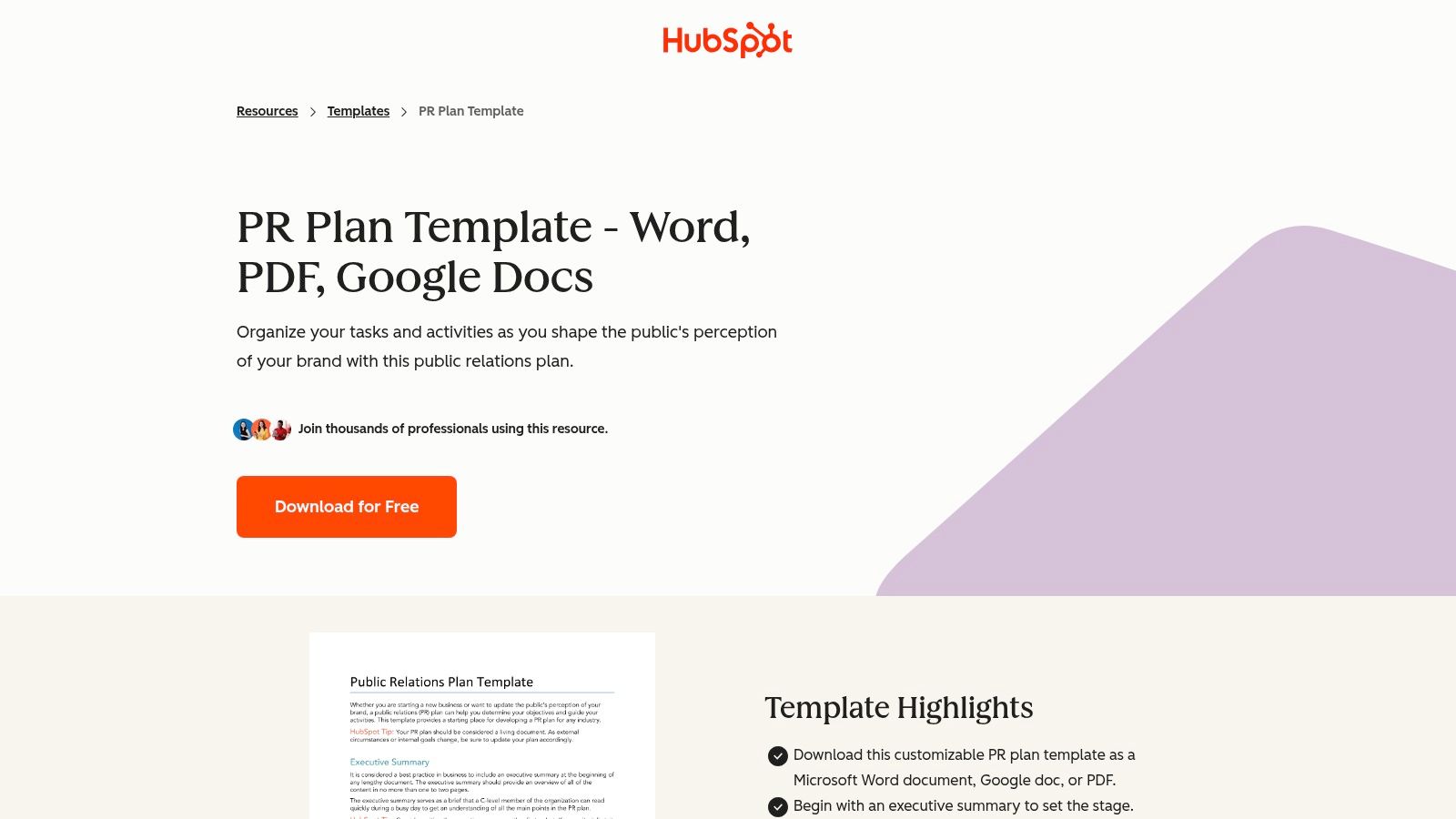
This resource stands out for its comprehensive structure and accessibility. You simply provide an email address to download the template in your preferred format (Word, Google Docs, or PDF), making it immediately usable. For a deeper dive into structuring your strategy before filling out the template, see our complete guide on public relations planning.
Key Features and Assessment
| Feature | Details | Assessment |
|---|---|---|
| Comprehensive Structure | Includes sections for an executive summary, situation analysis (SWOT), SMART objectives, strategies, tactics, key messaging, budget, and measurement. | Excellent. Covers all essential components needed for a foundational PR plan. |
| Multiple Formats | Available as a downloadable Word document, Google Doc, or a static PDF. | Very Good. The editable formats allow for easy team collaboration and customization without a learning curve. |
| Ease of Access | Free to download, though it may require providing an email address (email gate). | Good. While free, the email gate is a minor hurdle for instant access. |
| Execution Tracking | As a static document, it lacks built-in project management or tracking features. Execution must be managed separately. | Limitation. Best for planning, not for live campaign management. Teams will need a separate tool like PressBeat to track outreach and results. |
Best for: Startups creating their first formal PR plan or teams that need a simple, universally compatible document.
Direct Link: HubSpot PR Plan Template
2. Asana
Asana’s native Public Relations Plan template transforms strategic planning from a static document into a dynamic, actionable project. It is designed for teams that want to bridge the gap between planning and execution within a single platform. This template is ideal for coordinating complex campaigns with multiple stakeholders, as it converts traditional plan sections into trackable tasks, timelines, and measurable goals.
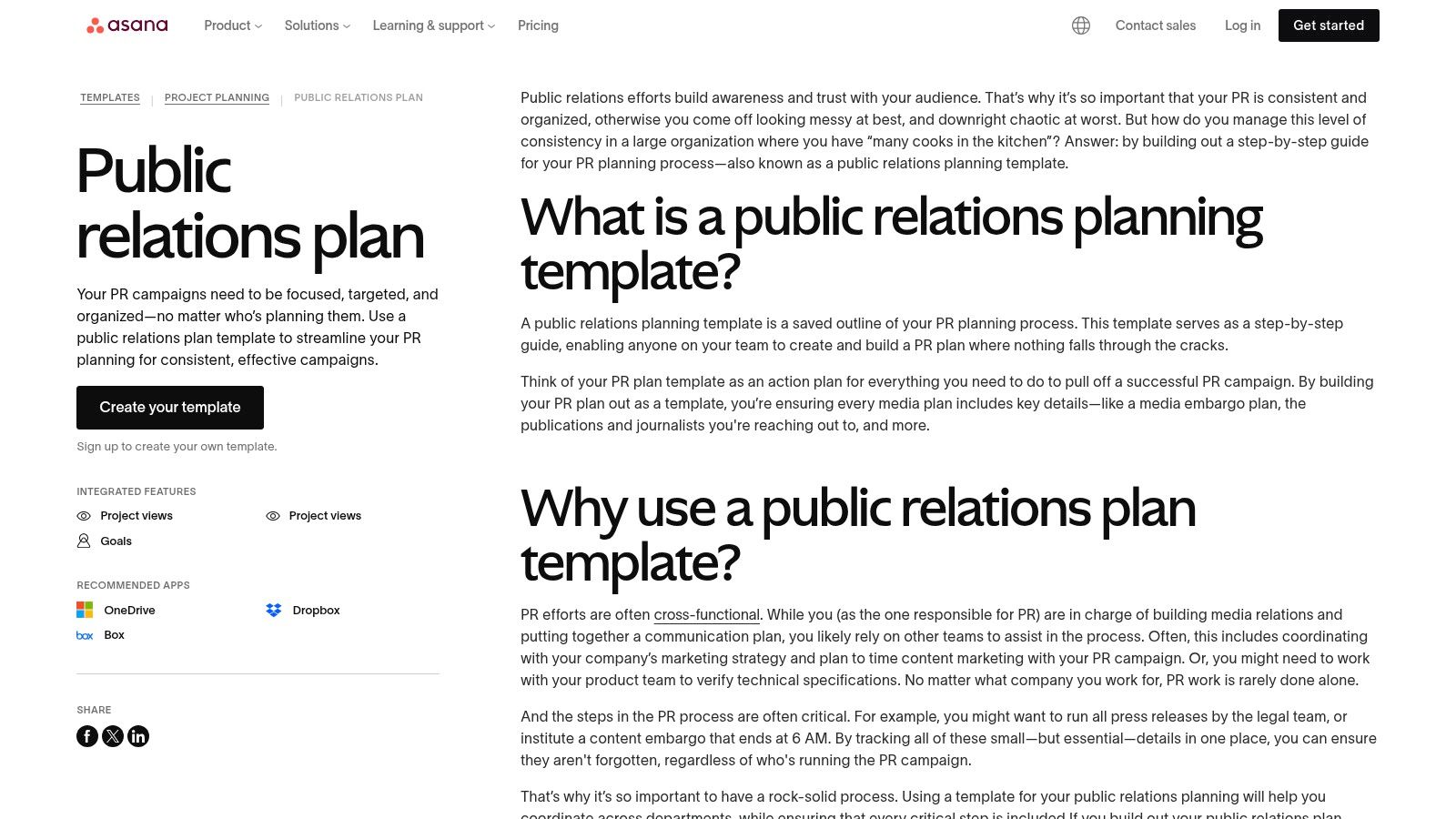
This template stands out by integrating the PR plan directly into a project management workflow. It allows teams to visualize timelines, set dependencies for tasks like approvals and embargoes, and assign ownership clearly. For teams evaluating how project management tools fit into their broader toolkit, explore our guide to public relations software.
Key Features and Assessment
| Feature | Details | Assessment |
|---|---|---|
| Integrated Execution | Converts planning sections into tasks with owners, deadlines, and dependencies. Features List, Board, and Timeline (Gantt) views. | Excellent. Seamlessly connects high-level strategy to the day-to-day work required to achieve PR goals. |
| Collaboration & Visibility | Provides a single source of truth for all PR activities, including approvals, content drafts, and outreach status. | Very Good. Reduces confusion and aligns cross-functional teams by making roles and deadlines transparent. |
| Platform Dependency | Requires an active Asana account. The template’s full potential is best realized on paid tiers with advanced features. | Good. While a free version exists, it's a hurdle for teams not already using or willing to adopt Asana. |
| Goal Tracking | The Goals feature connects tactical work directly to measurable business outcomes, showing the impact of PR efforts. | Limitation. This powerful feature is only available on higher-tier paid plans, limiting its accessibility for smaller teams. |
Best for: Teams already using Asana or those needing a powerful, integrated tool to manage complex PR campaigns from plan to execution.
Direct Link: Asana Public Relations (PR) Plan Template
3. ClickUp
ClickUp moves beyond static documents by offering dynamic, integrated PR plan templates within its project management ecosystem. This platform is ideal for teams that want to bridge the gap between planning and execution, managing everything from campaign strategy to media outreach in a single workspace. Instead of a downloadable file, ClickUp provides a live template that you can immediately adapt with custom statuses, timelines, and automated workflows.
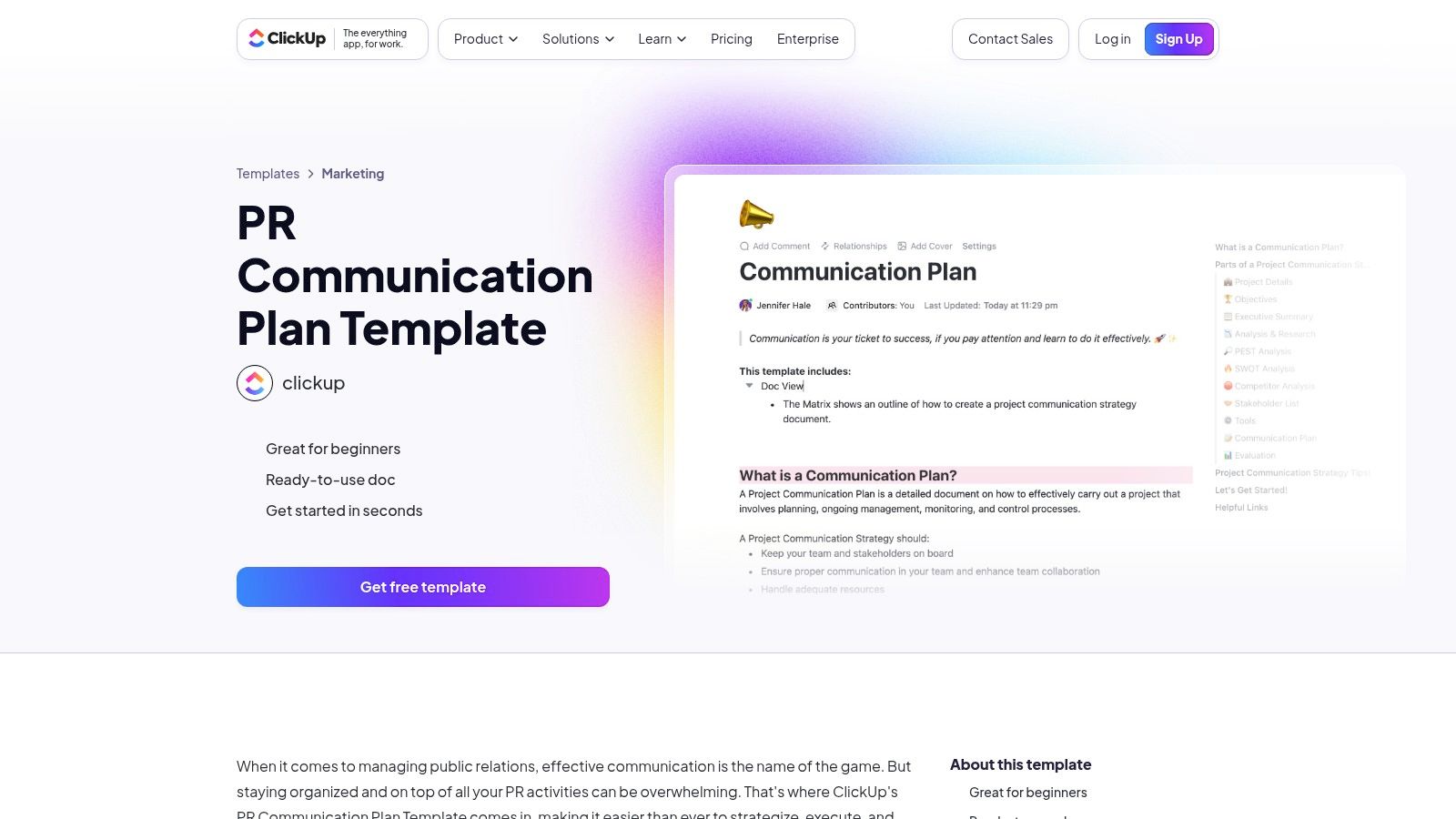
The primary advantage is its deep customization. You can start with their "PR Communication Plan" or "PR Action Plan" template and tailor every aspect to your specific needs, from tracking pitch status to managing content approvals. While the initial setup is more involved than a simple document, the payoff is a centralized, collaborative hub for your entire PR operation.
Key Features and Assessment
| Feature | Details | Assessment |
|---|---|---|
| Integrated Execution | Combines planning with task management, milestones, time tracking, automations, and multiple project views (Kanban, Calendar, Gantt). | Excellent. Connects strategy directly to actionable tasks, providing real-time visibility into campaign progress. |
| Deep Customization | Users can create custom fields, statuses (e.g., Pitching, Follow-up, Secured), and automated rules for PR workflows. | Excellent. Highly flexible and scalable, adapting to simple outreach efforts or complex, multi-brand agency operations. |
| Ease of Access | Templates are free to use within the ClickUp platform, but the best features and user experience require a paid plan. | Good. The free version is functional, but unlocking the platform's full potential for PR management necessitates a subscription. |
| Learning Curve | The extensive feature set means there is a steeper learning curve compared to a traditional document-based template. | Limitation. Requires an initial time investment for setup and team onboarding. |
Best for: Growing teams and agencies that need a scalable, all-in-one platform to manage and execute PR campaigns.
Direct Link: ClickUp PR Communication Plan Template
4. Smartsheet
Smartsheet provides a suite of downloadable templates for public relations planning, ideal for teams accustomed to spreadsheet-driven project management. The offerings include a strategic PR plan, a PR budget tracker, and a broader marketing communications plan, available in formats like Excel and Google Sheets. This approach allows teams to start with a familiar tool and later integrate it into the full Smartsheet platform for more advanced capabilities like real-time dashboards and automation.
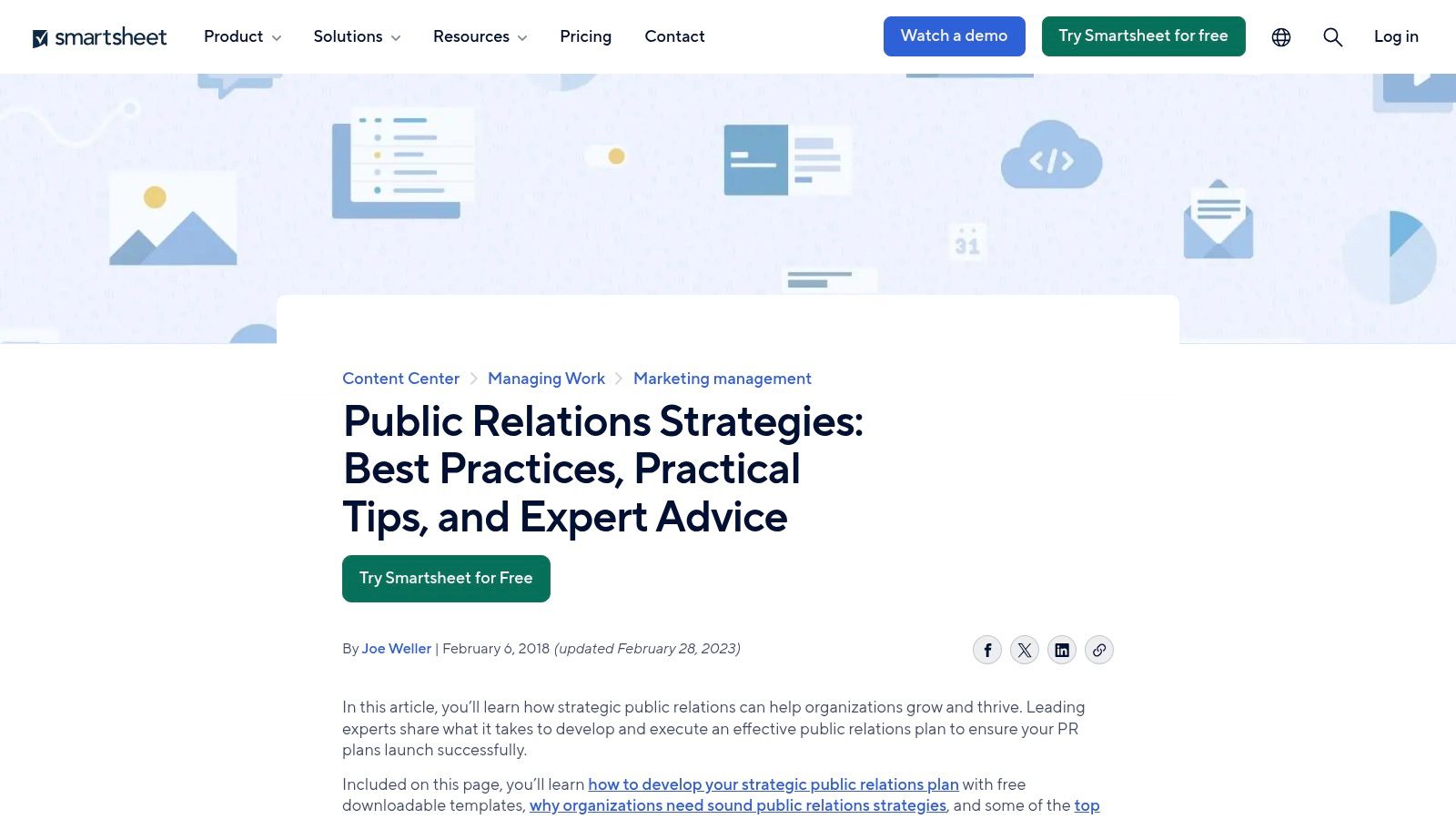
The primary advantage is the bridge it creates between simple document planning and a dynamic project management system. Teams can begin organizing their PR plan templates in a standard spreadsheet and, when ready, leverage Smartsheet’s platform to bring those plans to life with enhanced reporting and collaboration features, though unlocking this full potential requires a paid license.
Key Features and Assessment
| Feature | Details | Assessment |
|---|---|---|
| Variety of Templates | Offers templates for PR strategy, budget management, and overall communications planning. | Excellent. The collection supports multiple facets of a PR campaign, from high-level strategy to financial tracking. |
| Scalable Functionality | Templates can be used as standalone spreadsheets or integrated into the full Smartsheet platform for automation and live dashboards. | Very Good. This provides a clear growth path from basic planning to sophisticated, real-time campaign management. |
| Ease of Access | Templates are free to download directly from the website without requiring an email address. | Excellent. Un-gated access makes it incredibly easy to get started immediately. |
| Platform Dependency | The most powerful features (dashboards, automation, real-time reporting) require a paid Smartsheet subscription. | Limitation. The standalone templates are useful, but the core value proposition is tied to adopting their paid platform. |
Best for: Teams that manage projects in spreadsheets but need a scalable solution for more robust reporting and automation.
Direct Link: Smartsheet PR Templates
5. Template.net
Template.net offers a wide array of ready-to-edit public relations plan templates suitable for teams that need to produce professionally formatted documents quickly. Its collection includes specialized variants for PR strategies and specific campaigns, making it a flexible resource for various communication needs. The platform is particularly useful for creating polished, presentation-ready documents for stakeholder meetings or internal reviews with minimal design effort.
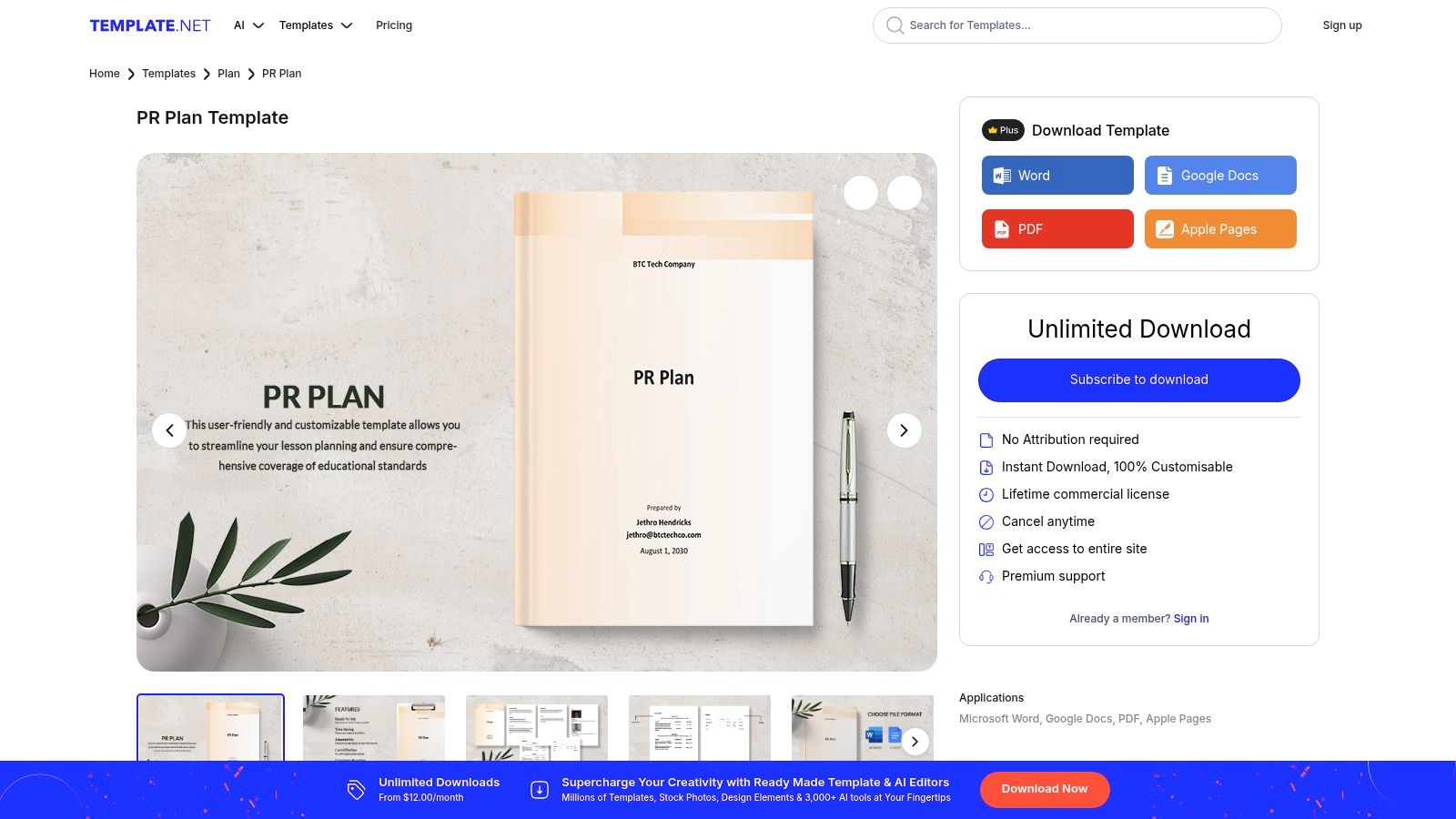
This resource stands out for its sheer volume and format versatility, providing downloads in Word, Google Docs, PDF, and even Apple Pages. While some templates are free, full access often requires a subscription. For a deeper look at turning these plans into action, explore our guide on executing a successful public relations campaign.
Key Features and Assessment
| Feature | Details | Assessment |
|---|---|---|
| Professional Formatting | Templates are designed with professional layouts, including guidance text and placeholders for easy customization. | Excellent. Great for creating visually appealing documents that look polished and are ready for stakeholder presentation. |
| Multiple File Types | Available for download in Word, Google Docs, Apple Pages, and PDF. | Very Good. The variety of formats ensures compatibility across different teams and software ecosystems. |
| Broad Collection | Offers a diverse selection of PR plan templates, including those for general strategy and specific campaigns. | Good. The wide range of options caters to different PR planning needs beyond a basic framework. |
| Access & Cost | Some templates are free, but many of the premium designs require a subscription or user account. | Limitation. The paywall on higher-quality templates can be a barrier compared to completely free alternatives. |
Best for: Teams needing to quickly produce a professionally designed PR plan for internal or external stakeholders.
Direct Link: Template.net PR Plan
6. Backlinko
Backlinko provides a concise, fill-in-the-blanks PR plan template tailored for startups and marketers who prioritize action over extensive documentation. It emphasizes core activities like setting goals, identifying targets, and structuring journalist outreach and pitching. This practical approach is ideal for teams needing a quick, actionable framework without getting tied to a specific software platform, allowing them to focus on execution.
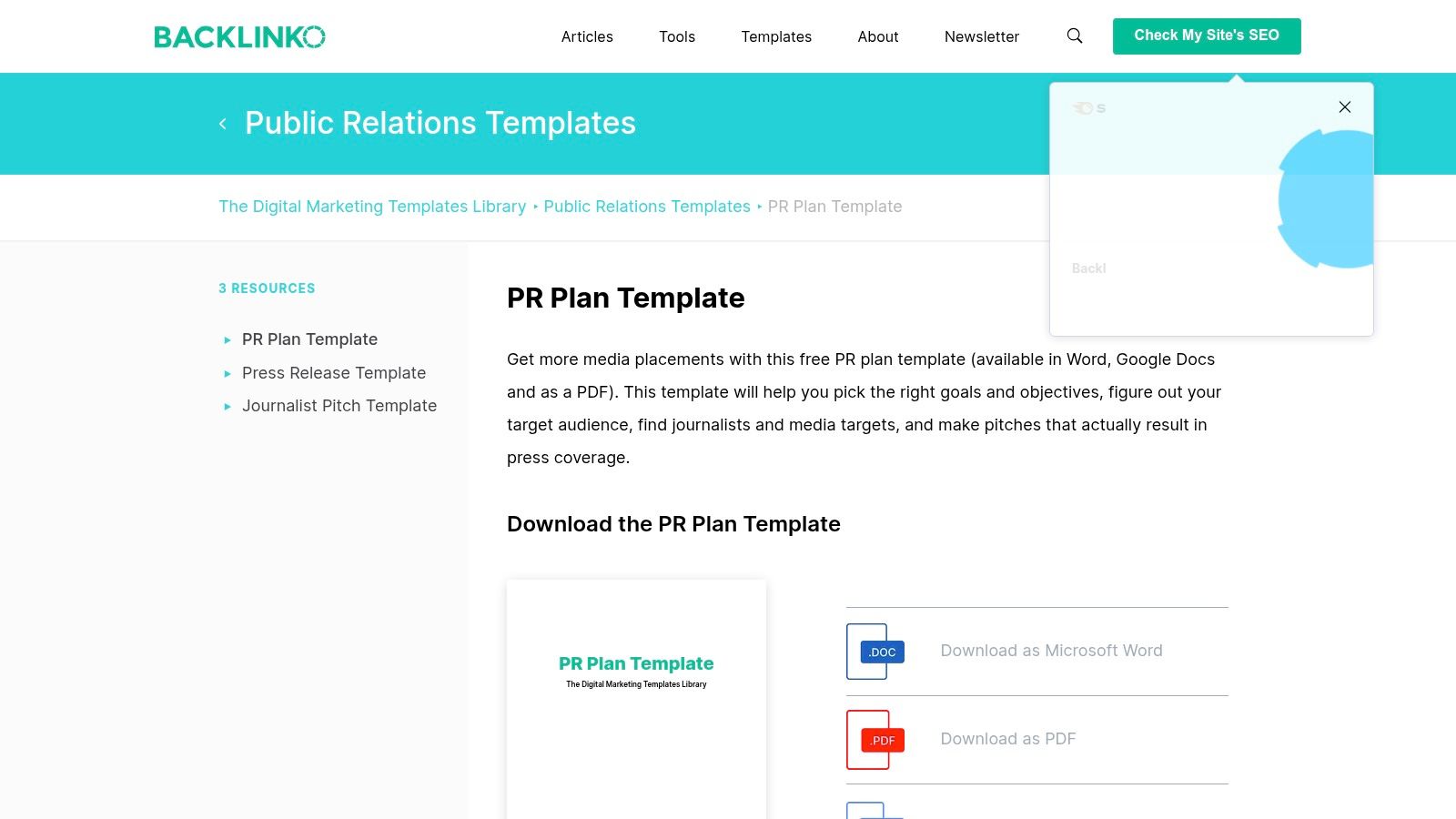
The template’s strength lies in its simplicity and directness. It cuts straight to the essential elements needed for an outreach campaign, making it one of the most efficient PR plan templates available for download. Users can access it instantly in Word, Google Docs, or PDF formats, making it easy to complete and share with key stakeholders.
Key Features and Assessment
| Feature | Details | Assessment |
|---|---|---|
| Action-Oriented Structure | Focuses heavily on goals, target audience, journalist outreach lists, and pitch crafting. | Excellent. Perfect for teams that want to move directly from planning to execution with minimal overhead. |
| Multiple Formats | Available as a downloadable Word document, Google Doc, and PDF. | Very Good. The editable formats are universally compatible and support easy collaboration. |
| Startup-Friendly | The simple, practical format is well-suited for fast-moving startups and small marketing teams. | Very Good. Avoids the complexity of more corporate or enterprise-level templates. |
| Strategic Depth | Lacks detailed sections for comprehensive situation analysis, budgeting, or advanced measurement protocols. | Limitation. Best for tactical campaign planning rather than building a long-term, multi-faceted PR strategy. |
Best for: Startups and marketing teams that need a straightforward, tactical guide for executing an outreach-focused PR campaign quickly.
Direct Link: Backlinko PR Plan Template
7. Teamwork
Teamwork moves beyond static documents by offering a Public Relations Planning template directly within its project management platform. This approach is designed for teams that need to bridge the gap between high-level strategy and day-to-day execution. It’s particularly effective for PR agencies or in-house communications departments managing multiple campaigns, as it maps every strategic goal to specific tasks, timelines, and owners, ensuring accountability and centralized delivery.
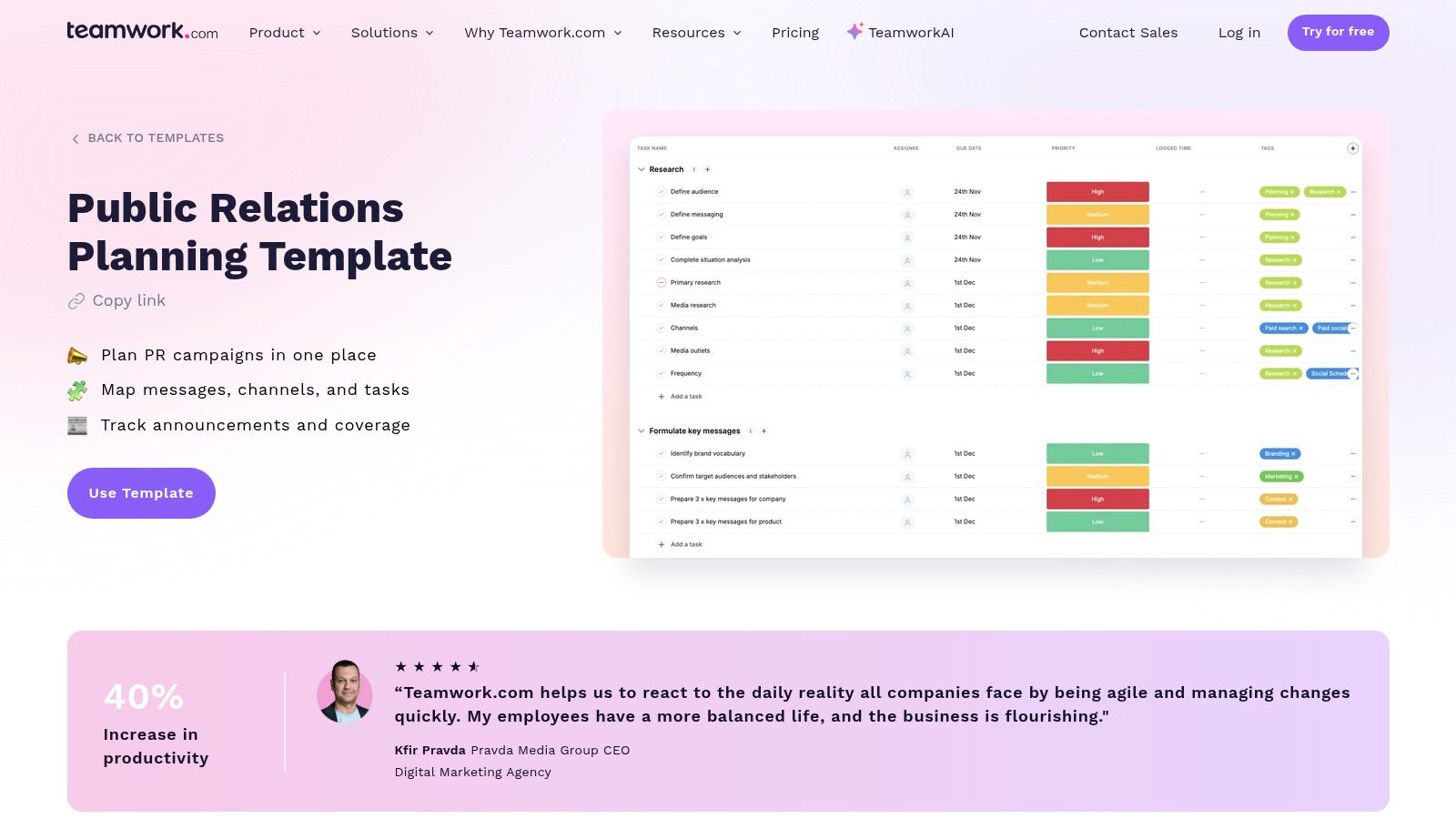
This template stands out by integrating PR planning into a collaborative workspace. Rather than creating a plan and then moving it elsewhere for execution, teams can build their strategy and immediately begin assigning tasks, tracking progress, and reporting on results within the same environment. This integrated workflow is ideal for maintaining visibility and momentum across complex PR initiatives.
Key Features and Assessment
| Feature | Details | Assessment |
|---|---|---|
| Integrated Planning & Execution | Connects PR strategy directly to tasks, milestones, and timelines within the Teamwork platform. | Excellent. Transforms a static plan into an actionable project, keeping strategy and delivery tightly aligned. |
| Client & Campaign Visibility | Centralized calendar and pipeline views are designed for client-service workflows and managing multiple campaigns simultaneously. | Very Good. A strong choice for agencies or teams that need to report on progress across various PR fronts. |
| Platform Dependency | The template is a feature of the Teamwork platform and requires adoption of the software to use effectively. | Limitation. Not a standalone download. It requires onboarding and a subscription (best on paid plans) if your team is new to the tool. |
| Collaborative Workspace | Features include task assignments, status updates, file sharing, and reporting, all within one shared space. | Good. Fosters team collaboration but comes with a learning curve compared to a simple document template. |
Best for: PR agencies and in-house teams that need an integrated tool to manage multiple client campaigns from planning to execution.
Direct Link: Teamwork Public Relations Plan Template
8. SlidesCarnival
SlidesCarnival offers a free Public Relations Plan presentation template designed specifically for communicating your strategy to stakeholders, clients, or executives. Instead of a dense document for internal planning, this resource provides professionally designed slides for platforms like Google Slides, PowerPoint, or Canva. It excels at helping you build a compelling narrative around your PR goals, tactics, and expected outcomes, making it perfect for securing buy-in before a campaign launch.
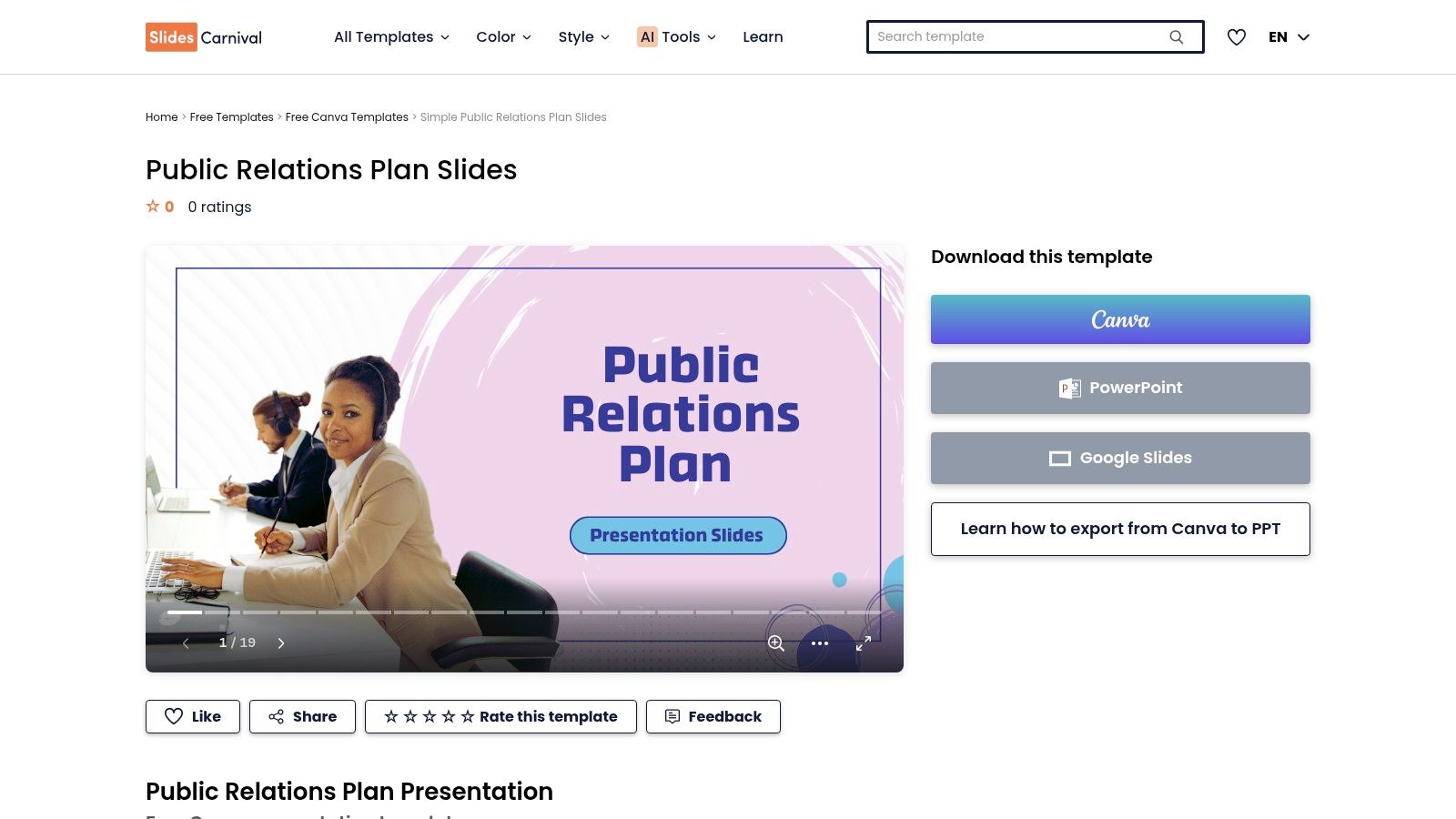
This template stands out for its visual-first approach. It's completely free to use without any download limits or email gates, allowing immediate access. The slides are easily editable, letting you focus on crafting your message rather than spending hours on presentation design. This makes it a powerful complementary tool to a more detailed, document-based PR plan.
Key Features and Assessment
| Feature | Details | Assessment |
|---|---|---|
| Presentation-Focused | Provides a visually appealing slide deck to present your PR strategy, including sections for goals, audience, timeline, and budget. | Excellent. Ideal for communicating high-level plans to non-PR stakeholders or clients who need a clear, concise overview. |
| Platform Compatibility | Fully compatible and editable with Google Slides and Microsoft PowerPoint. It can also be used as a Canva template. | Very Good. Works seamlessly with the most common presentation software, requiring no new tools or skills. |
| Ease of Access | Completely free to download and use with no registration or email required. | Excellent. Instant, frictionless access makes it a go-to resource for quick presentation needs. |
| Execution Tracking | Lacks any project management capabilities. It is a communication tool, not a task-tracking document. | Limitation. Designed for presenting a plan, not managing its day-to-day execution. Teams will need a separate system to track outreach and results. |
Best for: PR professionals and marketers who need to present their strategy to leadership or clients in a polished, easy-to-understand format.
Direct Link: SlidesCarnival Public Relations Plan Template
9. Tom's Planner
Tom's Planner provides a specialized Gantt chart template designed for PR proposals, shifting the focus from narrative to timeline visualization. It excels at helping teams schedule key milestones, embargoes, and deliverables with an intuitive drag-and-drop interface. This visual approach is particularly effective for coordinating complex launches or campaigns involving multiple stakeholders and cross-functional teams who need clarity on sequencing and dependencies.
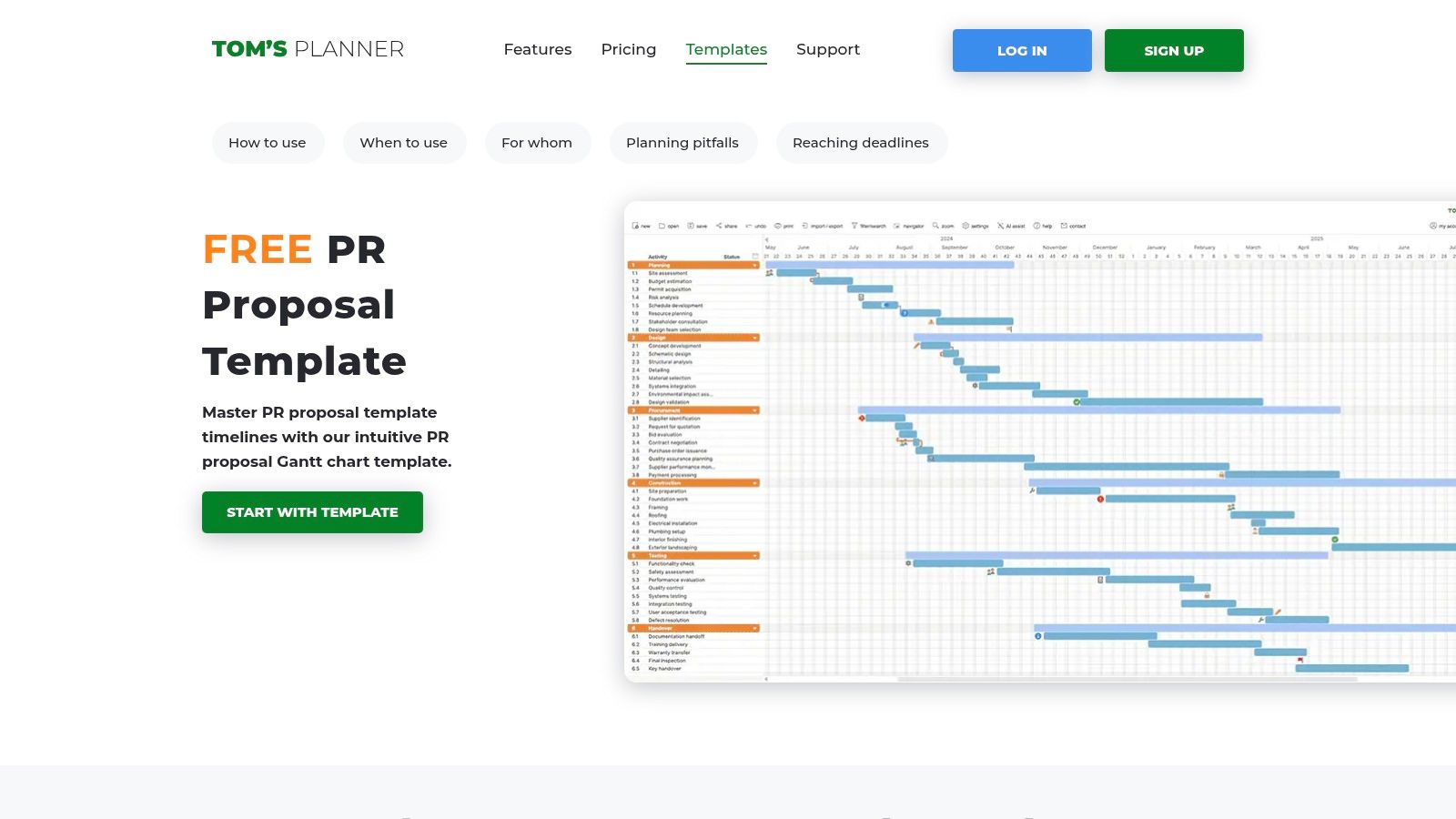
This tool stands out as a powerful supplement to traditional PR plan templates, not a replacement. Its strength lies in translating a written strategy into a clear, shareable, and dynamic schedule. The ability to export to PDF or share a public link makes it simple to keep clients and internal departments aligned on the execution timeline without granting full editing access.
Key Features and Assessment
| Feature | Details | Assessment |
|---|---|---|
| Gantt Chart Builder | Intuitive drag-and-drop interface for creating and adjusting project timelines, tasks, and dependencies. | Excellent. Much faster and more visually intuitive for timeline planning than a spreadsheet. |
| Sharing and Exporting | Plans can be shared via public links or exported as PDFs for easy distribution to stakeholders. | Very Good. Facilitates seamless communication and reporting with teams who don't need to use the software directly. |
| Collaboration Features | Paid tiers offer team permissions and real-time collaboration on the timeline. | Good. While the core functionality is strong, the best collaboration features are behind a paywall. |
| Plan Scope | Exclusively focused on scheduling and timeline visualization; lacks sections for narrative strategy, messaging, or budget. | Limitation. This is a specialized tool for one component of a PR plan. It must be paired with a comprehensive document. |
Best for: Visualizing and managing the execution timeline of a PR campaign, especially for coordinating cross-functional product launches.
Direct Link: Tom's Planner PR Proposal Template
10. Venngage
Venngage shifts the focus from traditional text-based documents to visually compelling, designer-made templates. It's an excellent choice for teams that want to package their PR plans, media kits, and communication strategies into polished, presentation-ready deliverables. The platform is particularly helpful for presenting your strategy to stakeholders or creating attractive press kits without needing a dedicated graphic designer.
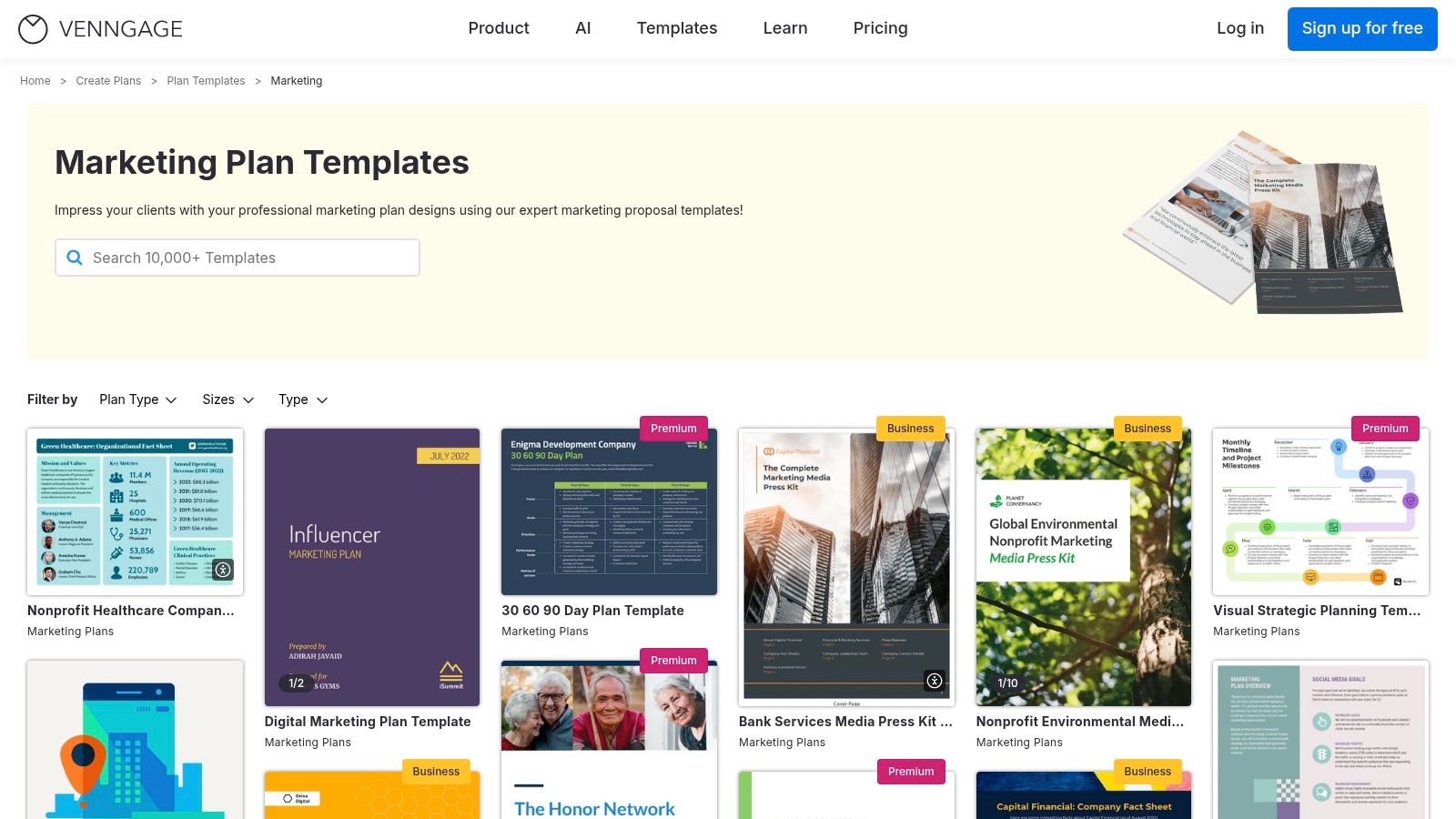
The strength of Venngage lies in its intuitive, browser-based editor and extensive library of icons, photos, and brand customization options. While many templates are free to use, exporting high-quality PDFs or PowerPoint files often requires a paid subscription, which is something to consider when evaluating its fit for your team.
Key Features and Assessment
| Feature | Details | Assessment |
|---|---|---|
| Visual Templates | Offers a wide range of designer-made templates for marketing plans, communication plans, and press kits. | Excellent. Great for creating professional-looking documents that are easy to present and share. |
| Browser-Based Editor | Includes a drag-and-drop editor with a large library of icons, stock photos, and customization features. | Very Good. The interface is user-friendly and makes it quick to tailor templates to specific campaigns or branding. |
| Export Options | Can export plans to PNG, PDF, or interactive PowerPoint formats. | Good. While versatile, the most useful export options (high-res PDF, PPT) are gated behind a paid subscription. |
| Strategic Depth | The templates are design-first; users must define the strategic components like metrics and detailed tactics themselves. | Limitation. Functions more as a canvas for your plan rather than a framework that guides your strategic thinking. |
Best for: Teams needing to create visually impressive PR plans and media kits for internal presentations or external distribution.
Direct Link: Venngage Marketing Plan Templates
11. Notion Template Marketplace (Public Relation OS)
For teams already embedded in the Notion ecosystem, the Public Relation OS template by Notinize offers an integrated, database-driven alternative to static documents. Instead of a traditional PR plan template, this is a complete operating system for managing media lists, tracking outreach, and organizing press coverage within a live, collaborative workspace. It transforms PR planning from a one-off document into an ongoing, dynamic process.
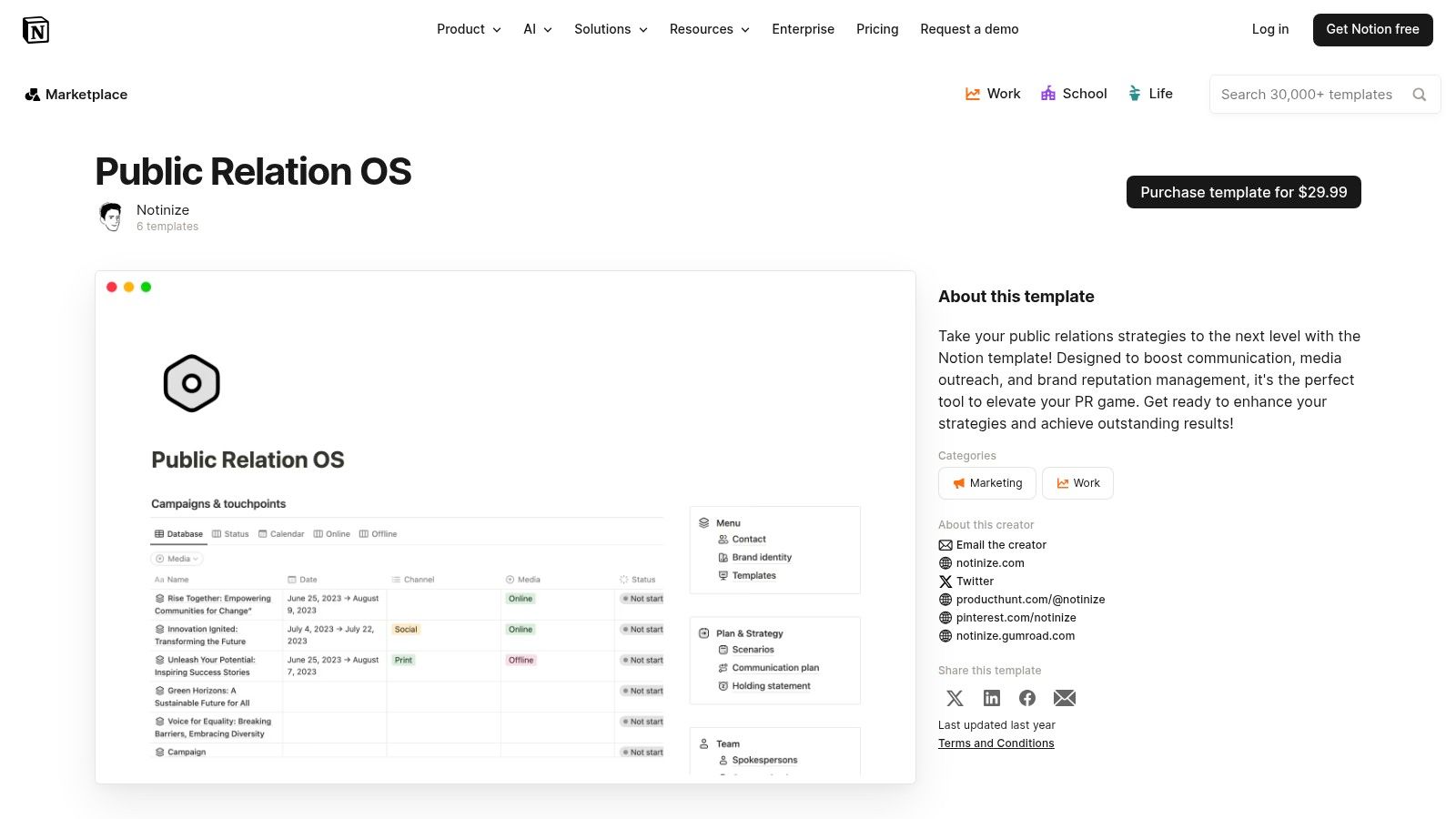
This template stands out by centralizing all PR assets and activities into a single, interconnected hub. While some templates on the marketplace are free, premium ones like the Public Relation OS typically involve a one-time purchase. Its strength lies in its flexibility, allowing you to link PR objectives directly to outreach tasks and coverage results, which is a significant step up from a simple Word document.
Key Features and Assessment
| Feature | Details | Assessment |
|---|---|---|
| Integrated Workspace | Centralized databases for media lists, outreach campaigns, press releases, and coverage tracking. | Excellent. Perfect for teams wanting a single source of truth for all PR activities, connecting planning directly to execution. |
| Customization | As a Notion template, every database, property, and page is fully customizable to fit specific workflows. | Excellent. The template is highly adaptable, allowing you to build a bespoke PR system that scales with your needs. |
| Ease of Access | Available for purchase and duplication directly from the Notion Template Marketplace. | Good. Requires a one-time payment and an existing Notion account, which may be a barrier for some. |
| Learning Curve | Requires users to be proficient with Notion's database relationships and functionalities to maximize its potential. | Limitation. Not ideal for beginners. Its power is only unlocked by users comfortable navigating and customizing Notion. |
Best for: Tech-savvy teams and startups that already use Notion for project management and want to integrate their PR workflow.
Direct Link: Notion Public Relation OS Template
12. Highnote
Highnote provides a free, clonable PR proposal template that is more focused on securing stakeholder buy-in than internal strategic planning. It is a web-based document covering goals, audience, strategy, implementation, budget, and measurement. This makes it an excellent companion to one of the more detailed PR plan templates, translating your internal strategy into a persuasive format for executives or clients.
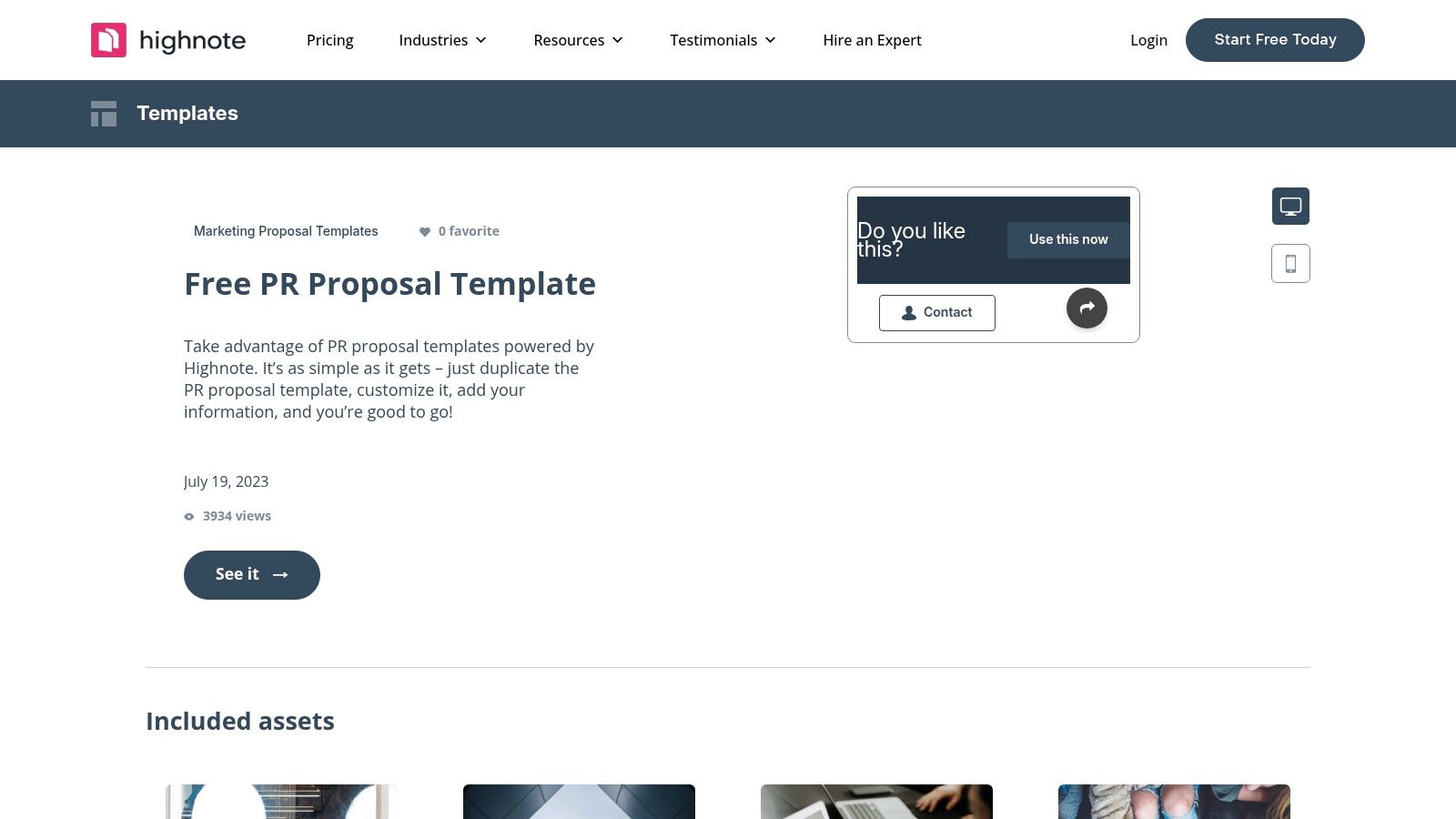
The platform’s strength lies in its presentation-first approach. Instead of a static document, Highnote offers a dynamic, shareable webpage that can embed assets and be easily duplicated for different campaigns or clients. This streamlines the approval process, ensuring everyone is reviewing the same visually engaging and well-structured pitch.
Key Features and Assessment
| Feature | Details | Assessment |
|---|---|---|
| Proposal-Centric Format | Structured as a client-facing proposal with sections for goals, strategy, implementation plan, and budget. | Very Good. Excellent for translating an internal PR plan into a clear, persuasive format for approvals. |
| Web-Based and Shareable | A live, web-based template that can be shared via a link, duplicated, and customized with embedded media. | Excellent. Modern and professional, it speeds up the feedback and approval cycle significantly. |
| Ease of Access | Free to use and clone, but requires signing up and working within the Highnote platform. | Good. Access is free, but it does lock you into their ecosystem to edit and share the template. |
| Execution Tracking | Designed purely for proposal and presentation purposes; it has no features for managing or tracking PR execution. | Limitation. This is not a PR plan management tool. You will need a platform like PressBeat to manage outreach and measure results. |
Best for: PR agencies or in-house teams needing to create a polished, shareable proposal to get executive or client sign-off on a PR plan.
Direct Link: Highnote PR Proposal Template
Top 12 PR Plan Template Comparison
| Tool | Core features ✨ | UX ★ | Price 💰 | Best for 👥 | Standout 🏆 |
|---|---|---|---|---|---|
| HubSpot | Full PR plan template (exec summary, objectives, measurement); Word/Google/PDF ✨ | ★★★★ | 💰 Free | 👥 Early-stage startups, planners | 🏆 Most comprehensive free template |
| Asana | Plan → tasks/timelines, dependencies, goals, file integrations ✨ | ★★★★ | 💰 Free + Paid | 👥 Teams needing plan-to-execution visibility | 🏆 Strong task/deadline clarity |
| ClickUp | Custom statuses, 14+ views, automations, KPIs, collaboration ✨ | ★★★★★ | 💰 Free + Paid | 👥 Teams wanting deep customization & scale | 🏆 Most configurable all-in-one |
| Smartsheet | Spreadsheet-style PR templates + dashboards & automation ✨ | ★★★ | 💰 Free + Paid | 👥 Spreadsheet-first teams, reporting-heavy | 🏆 Robust reporting when adopted |
| Template.net | Professionally formatted PR docs (Word/Google/PDF/Pages) ✨ | ★★★ | 💰 Freemium | 👥 Stakeholder-facing deliverables | 🏆 Fast, polished document exports |
| Backlinko | Fill-in-the-blanks, outreach-focused PR plan (simple) ✨ | ★★★★ | 💰 Free | 👥 Startups & solo marketers | 🏆 Quick, action-oriented template |
| Teamwork | Central PR calendar, owners, statuses, coverage tracking ✨ | ★★★★ | 💰 Paid | 👥 Agencies & client-service teams | 🏆 Client-workflow focused visibility |
| SlidesCarnival | Presentation-ready PR slides (Canva/Slides/PPT) ✨ | ★★★ | 💰 Free | 👥 Exec presentations, stakeholder pitches | 🏆 Design-first narrative templates |
| Tom's Planner | Drag-and-drop Gantt for PR timelines, public links, exports ✨ | ★★★ | 💰 Freemium | 👥 Launch coordinators, timeline planning | 🏆 Fast visual timeline sharing |
| Venngage | Designer templates for press kits & visual plans; exports ✨ | ★★★★ | 💰 Freemium | 👥 Teams needing polished visuals | 🏆 High-design output without designers |
| Notion Template (Public Relation OS) | Centralized DBs for media lists, outreach & coverage ✨ | ★★★★ | 💰 Free / Paid | 👥 Notion-first teams, knowledge hubs | 🏆 Live, customizable PR OS |
| Highnote | Shareable web-based PR proposal sections; embed assets ✨ | ★★★ | 💰 Free | 👥 Proposal/scoping for execs & clients | 🏆 Modular, approval-friendly proposals |
Supercharge Your Plan with AI-Powered Execution
Navigating the world of public relations can feel overwhelming, but as we've explored, a solid foundation makes all the difference. The right PR plan templates are more than just documents; they are strategic roadmaps that transform ambitious goals into measurable achievements. From the comprehensive project management power of Asana and ClickUp to the visually driven layouts of Venngage and SlidesCarnival, you now have a curated arsenal of tools to tackle any communications challenge.
We've covered templates tailored for critical moments like product launches, funding announcements, and crisis management. Each resource, whether it's a flexible Notion OS or a structured Smartsheet grid, offers a unique starting point. The key is to move beyond simply filling in the blanks and instead adapt these frameworks to fit your specific brand narrative, audience, and objectives.
From Template to Triumph: Your Next Steps
Choosing the perfect template is the first step, but successful execution is what truly matters. As you move forward, remember that a PR plan is a living document. It requires constant monitoring, iteration, and a deep understanding of your performance metrics.
To make an informed decision and ensure your plan delivers results, consider these final points:
- Align with Your Core Objective: Don't just pick the most popular template. Revisit your primary goal. Is it securing a funding round? Your template choice should reflect the specific needs of communicating with investors and financial press, making a tool like HubSpot or a detailed spreadsheet a strong contender.
- Factor in Team Collaboration: How does your team work? If your process is highly collaborative and visual, a tool like Teamwork or Asana is built for that. For solo founders or small teams, a more straightforward template from Template.net or Tom's Planner might be more efficient.
- Integrate Advanced Technology: Modern PR isn't just about outreach; it's about smart, scalable content creation and distribution. To effectively leverage advanced technologies for content creation and strategy, explore resources on the best generative AI tools for marketing. These platforms can help you craft compelling press release drafts, social media updates, and email pitches in a fraction of the time.
Ultimately, the best PR plan templates provide structure so you can focus on what you do best: telling your story. Use them as a launchpad for your creativity and a framework for your strategic thinking. With a clear plan in hand, you are well-equipped to build meaningful relationships with the media, shape public perception, and drive impactful results for your business.
Ready to turn your meticulously crafted PR plan into real-world press coverage? PressBeat helps you find the right journalists, send personalized pitches, and track your outreach success all in one place. Stop guessing and start connecting with the reporters who matter most by trying PressBeat today.